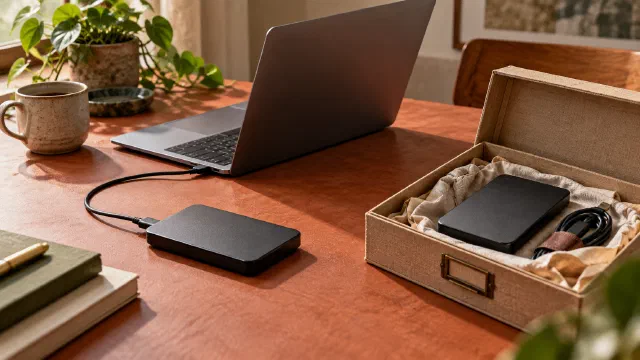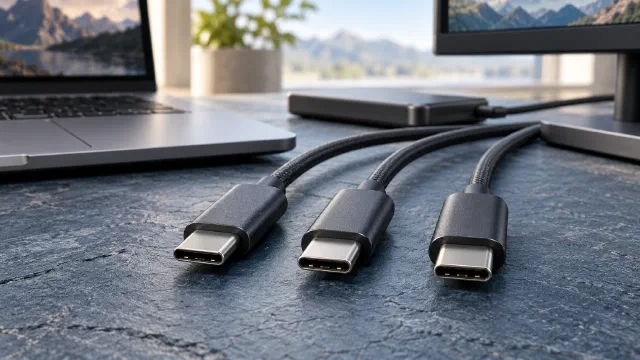
An external drive connects but copies slowly. A monitor gets no picture from the same port. Both can happen with USB-C: the connector is shared, while data, power and video depend on every part of the connection.
Three different things in one connector
Power. USB Power Delivery negotiates voltage and current. Revision 3.1 raised the ceiling to 240 W, with profiles up to 28, 36 and 48 V: at 5 A these correspond to 140, 180 and 240 W ( USB-IF ). There is also an adjustable voltage mode where the device requests intermediate values.
Data. Speed depends on the protocol generation and on how many differential pairs are wired. Passive and active cables have specific requirements and limits. Price does not certify speed or compatibility.
Video. Check DisplayPort Alt Mode or a USB4/Thunderbolt connection supporting video transport, with compatible ports and cable.
What you cannot infer from the connector
- Power. A 100 W charger will not deliver 100 W to a device that negotiates 45 W.
- Speed. The included cable may support a lower speed than the port.
- Power direction. Power Delivery supports different power roles and, where implemented, role swaps; not every port can both supply and receive power ( USB-IF ).
- Video compatibility. Check the video path supported by ports, adapters and cable.
Capabilities to check
| What you need to do | What to verify |
|---|---|
| Charge a laptop | charger wattage, required PD profile, cable rated for that power |
| Connect an external SSD | USB generation and cable type; the slowest link limits achievable speed |
| Drive a monitor | compatible video path: DisplayPort Alt Mode or USB4/Thunderbolt video transport |
| Connect a docking station | pass-through power and available lanes |
Check the exact model’s documented capabilities. Certification provides additional evidence, but a “240 W” label alone does not prove it. Verify the model and USB-IF certification: rated power does not also establish data speed ( USB-IF ).
The practical case: external SSD
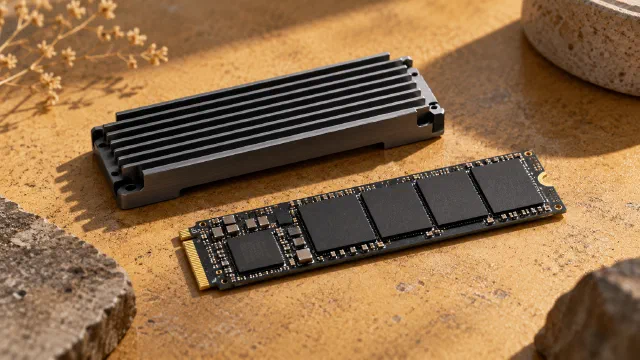
An NVMe drive in a USB enclosure illustrates why each part of the connection matters. The drive can be very fast and the link can hold it at 1 GB/s, or the enclosure can overheat and slow down. Before buying, check the computer’s USB generation, the enclosure’s, and the included cable. See SSD and NVMe .
Before replacing a cable, write down what the port, device and connection each need to support. Compare that with the documentation and any certification for the exact model. If the required capability is not documented, ask the manufacturer before buying; the connector’s shape cannot establish it.
Sources
- USB Charger (USB Power Delivery) ↗ — USB-IF · accessed 2026-11-01
- USB Type-C compliance and testing ↗ — USB-IF · accessed 2026-11-01