A passkey uses a key pair: the service registers the public key; the authenticator manages the private key, which a provider may replicate for synced passkeys. Sign-in may require biometrics, a PIN or another local verification ( FIDO Alliance ). Biometric verification happens on the device; the biometric data is not sent to the service for this check.
The service sends a challenge and verifies the authenticator’s signature without receiving the private key. The browser also checks the request’s origin and the service identifier, or RP ID. The credential is bound to the intended service, so a phishing site on a lookalike domain does not obtain a valid signature for that service. This protects authentication; devices, sessions and recovery need their own controls.
What it actually fixes
Phishing. Service binding and origin checks prevent treating the credential like a password copied into a counterfeit page.
Password reuse. There is no password to reuse.
Database breaches. For the WebAuthn credential, the service stores a public key rather than a shared secret sufficient to sign in. A breach may still expose other data, sessions or recovery methods.
What it does not fix
Account recovery. Losing your authenticators requires a recovery method supported by the service. Assess it separately: phishing-resistant sign-in does not automatically make recovery equally protected.
Shared devices. Do not sync your personal passkey store onto a public or untrusted computer. Where supported, cross-device sign-in lets you approve access on your phone without copying its private key onto that computer. The session opened there still depends on that computer’s security; this does not make an untrusted device safe.
Legacy systems. Support and fallback methods vary by service. Check whether a password or weaker recovery method remains available alongside the passkey.
Device security. A compromised device or stolen session remains a risk. Unlocking a device alone does not imply access to every passkey: additional user verification may be required, depending on authenticator and service.
Synced or device-bound?
The two variants are not equivalent:
| Type | Advantage | Risk |
|---|---|---|
| Synced (provider cloud) | survives device loss | depends on the security of the account holding it |
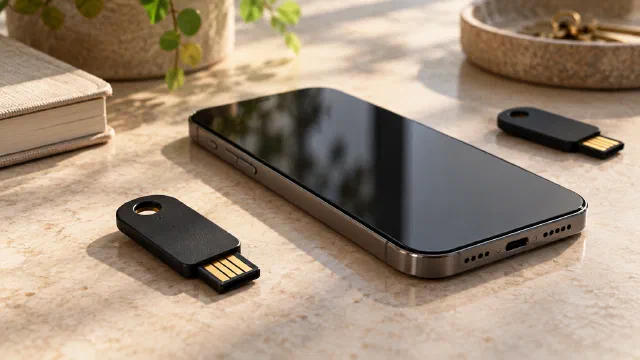
| Device-bound (for example, a hardware security key) | the private key is not synced to other devices | if you lose it, you need another registered credential or account recovery |
The choice depends on what you fear more: losing access, or losing control. For a critical account, consider credentials on independent authenticators, where supported, and a verified recovery path.
How to migrate without locking yourself out
- Prepare an independent backup sign-in method, if supported, before removing the password. Two devices syncing the same passkey still depend on the same account; they are not independent recovery paths.
- If the service provides recovery codes, keep them protected and accessible without your main device.
- Verify the recovery path before you need it: imagine what you would do if the phone fell in water.
- Check where the synced passkey is stored: its security and recovery become important dependencies.
- Keep your password manager organised for services that still require passwords or retain a password fallback.
Plan credential recovery alongside data recovery; the backup and restore guide offers useful questions for both.
Before retiring the old sign-in method, check the service’s recovery process and review authorised devices. Those implementation details determine how you get back into the account. Recovery options differ between services, so check each account individually.
Sources
- Passkeys ↗ — FIDO Alliance · accessed 2026-11-01
- Web Authentication: Level 3 ↗ — W3C · accessed 2026-11-01